A technical SEO checklist is a step-by-step list of actions that ensures your website is fully optimized for search engines, covering critical areas like crawlability, indexing, speed, mobile usability, and structured data. In 2026, following a detailed technical SEO checklist is no longer optional—it’s the backbone of ranking higher and driving real organic traffic in a search landscape ruled by smarter algorithms and relentless competition.
Picture this: You pour hours into creating brilliant content, researching keywords, and building links—yet your website still lags behind competitors in search rankings. The culprit? Not your campaigns, but hidden technical bottlenecks that sabotage your visibility before Google even evaluates your headlines. Nearly 70% of high-potential websites lose out on top rankings because of overlooked technical flaws. Maybe your pages are invisible to search bots, slowed by sluggish load times, or plagued by mobile glitches nobody’s flagged. Sound familiar? No matter how sharp your content strategy, your traffic flatlines if the technical foundation wobbles underneath.
Here’s the bold truth: You don’t need to be a developer or spend weeks with spreadsheets to master technical SEO in 2026. What you need is a checklist grounded in the latest search trends—one that addresses obstacles hurting your rankings today: improved crawl efficiency, lightning-fast site speed, bulletproof mobile experiences, and enhanced visibility with next-level structured data. Forget sorting through contradicting advice or outdated best practices; this guide cuts through the noise to give you the exact steps that matter now.
Ready to turn your website into a search engine magnet and outpace your competition? Let’s start with why technical SEO is more mission-critical than ever this year—and how you can make it your team’s secret weapon.
Why Technical SEO Matters More Than Ever in 2026
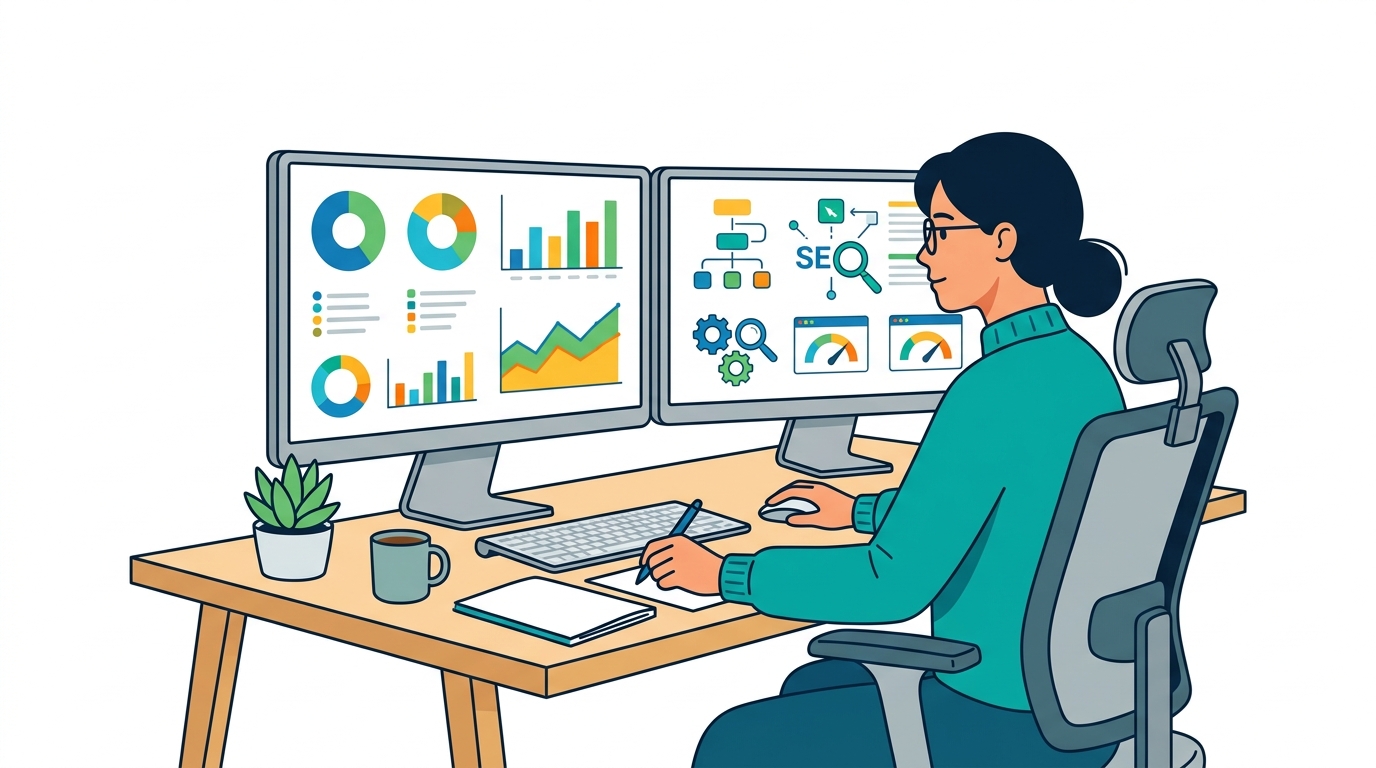
Technical SEO isn’t just a checkbox on your site launch list—it’s the backbone of every serious search strategy in 2026. With 53% of all website traffic now originating from organic search, missing the technical basics is like locking your storefront on Black Friday and hoping customers still show up.
Getting found, crawled, and indexed means your site has to play by Google's ever-evolving rules. Ignore this, and you’re invisible—no matter how brilliant your content or how many backlinks you chase.
What makes technical SEO so critical in 2026?
Technical SEO goes beyond meta tags and mobile-friendliness. It’s the machinery under the hood that determines whether search engines can even see your site. If Googlebot can’t crawl your site efficiently, or you’re tripping on duplicate content, you're handing traffic to competitors.
The landscape shifted hard in just the past couple of years:
- Crawl budgets are tighter for larger sites, thanks to Google’s focus on environmental impact and resource savings.
- AI-driven search increasingly factors real user experience signals (Core Web Vitals, loading speeds)—and punishes bloated, slow, or confusing sites.
- Structured data adoption exploded, with 64% of page-one results now enhanced by schema markup or rich snippets (Source: SEMrush 2026 SERP Trends Report).
Real-World Example: How a SaaS Brand Delivered a 40% Traffic Jump
Actions speak louder than hypotheticals. One SaaS company—buried on page three despite a killer product and strong content—got ruthless with a technical SEO audit. Here’s what they uncovered:
- Crawling issues caused by a bloated sitemap and dozens of dead-end redirects.
- Duplicate title tags, cannibalizing rankings across feature pages.
- Poor Core Web Vitals: Largest Contentful Paint in the red due to uncompressed hero images and sluggish JS.
After a focused two-month overhaul—fixing internal links, compressing images, reworking sitemaps, and standardizing schema—their organic traffic jumped 40%. Several previously “dead” pages rose to the first page within six weeks.
Search engines never guess what you meant. If your tech stack isn't tuned, you’ll bleed organic visibility—no amount of keyword stuffing or link-building will bail you out.
What does a technical SEO audit actually cover?
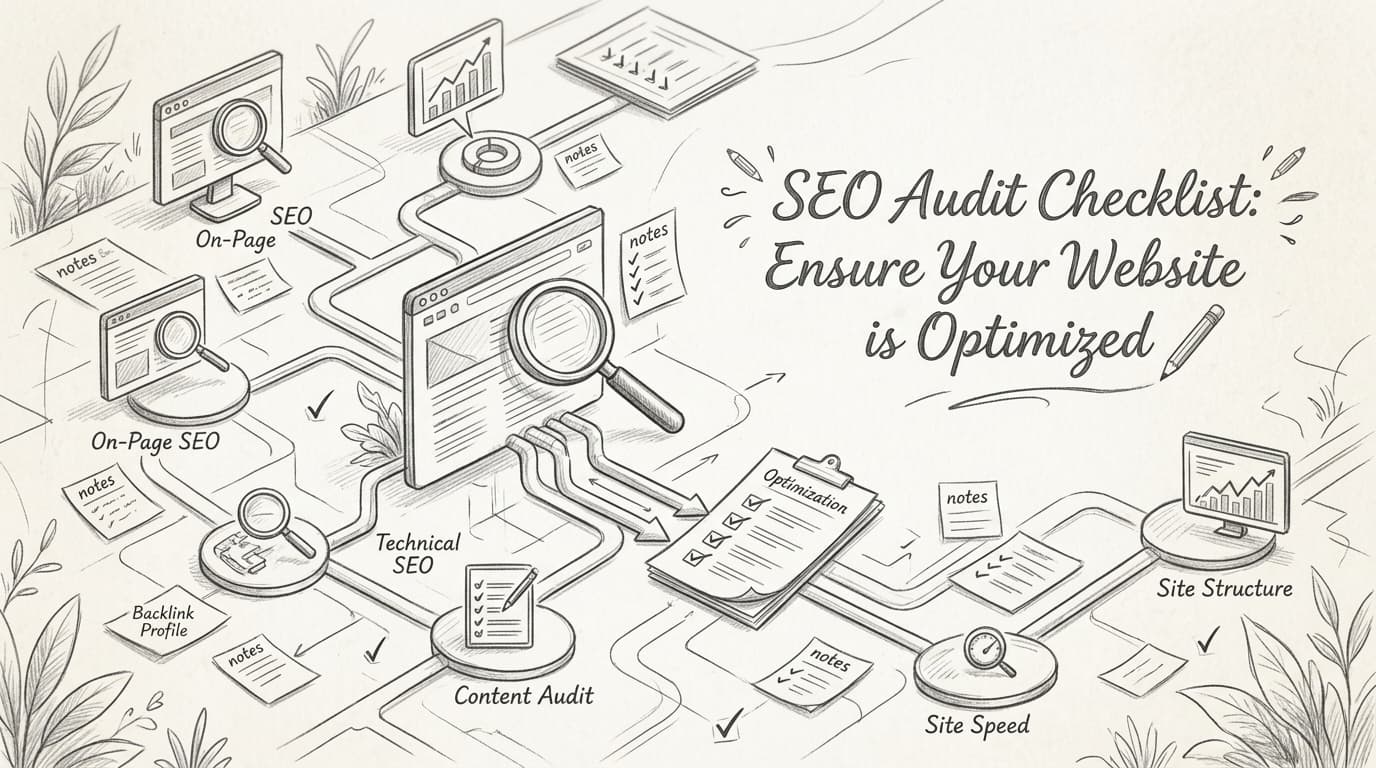
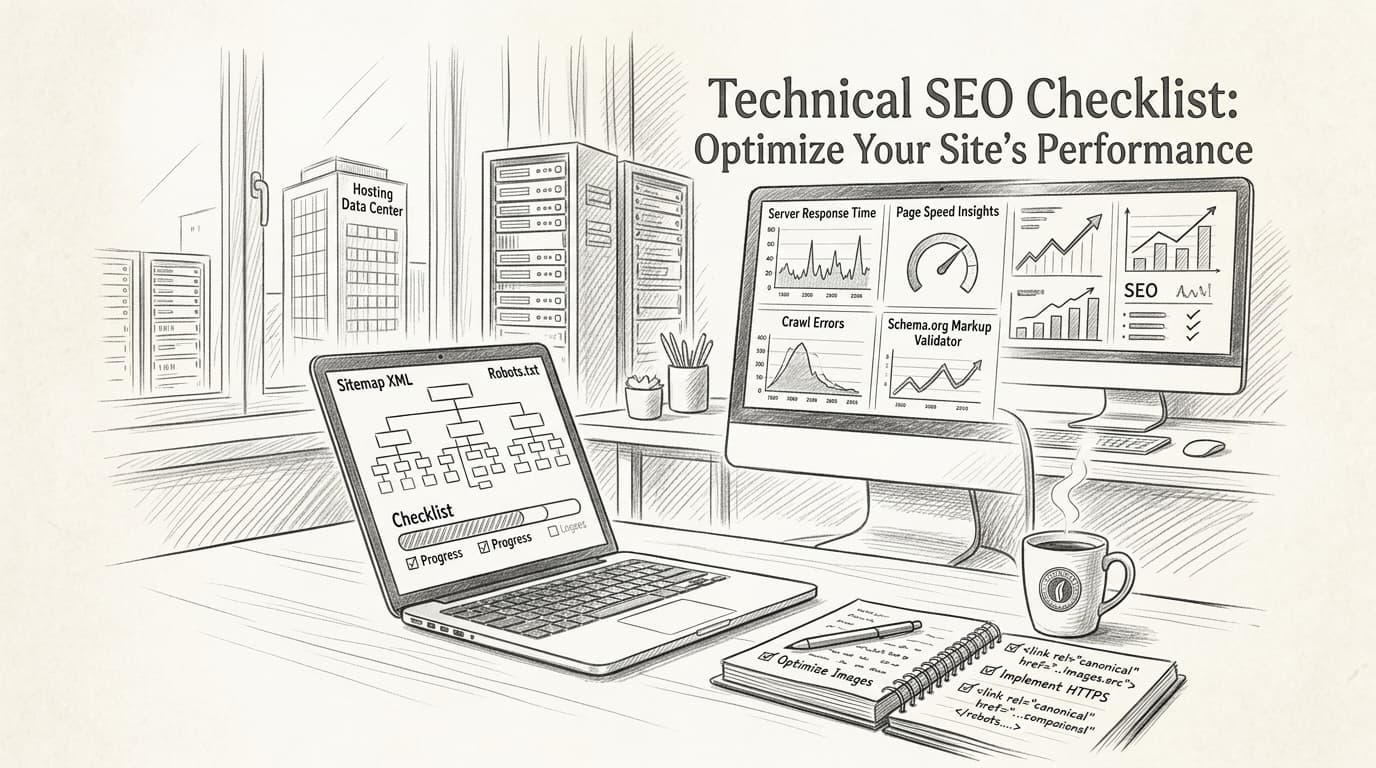
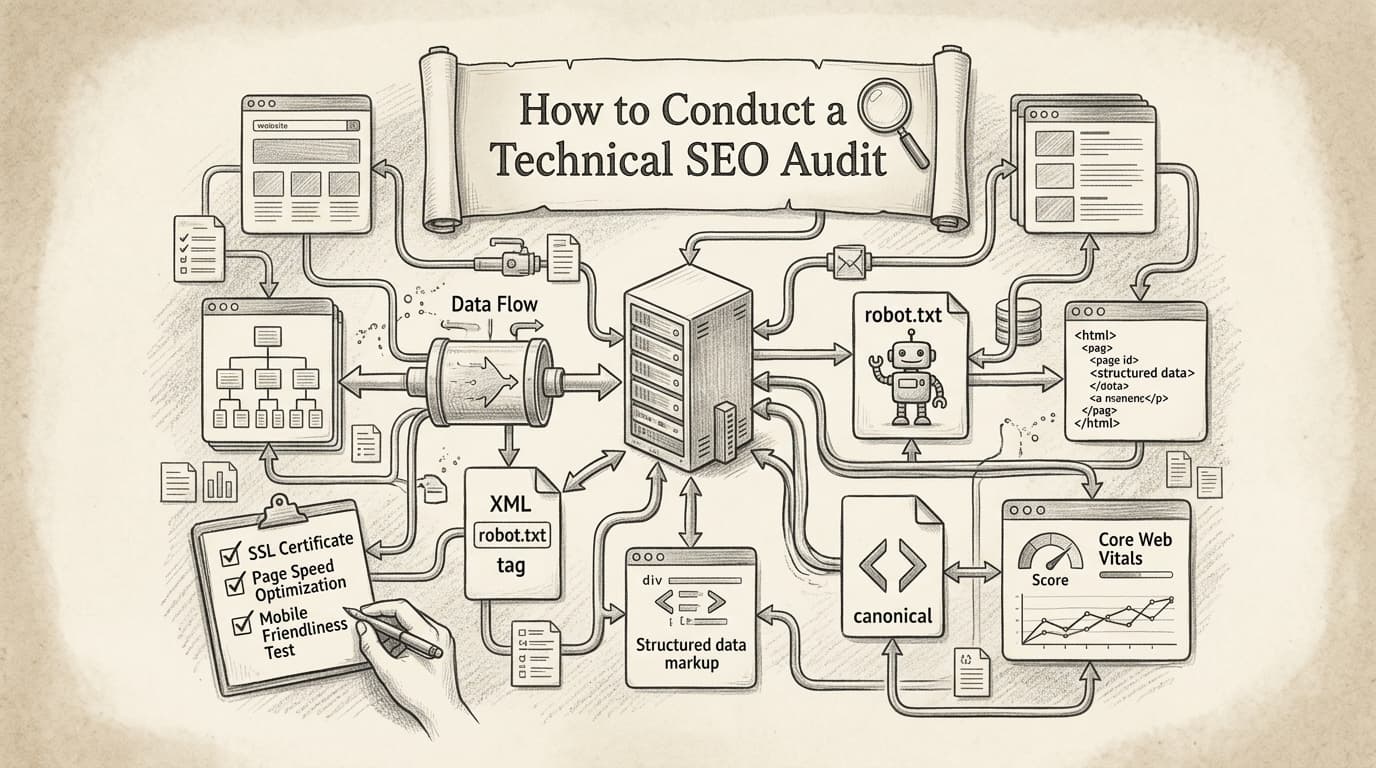
You need to know what’s under the microscope before you start. Here’s a quick checklist every audit should review:
- Crawling and indexing: Google Search Console coverage errors, robots.txt rules, sitemap health
- Duplicate content: Canonical tags, parameter handling, similar page variations
- Speed and performance: Core Web Vitals (LCP, FID, CLS), image compression, lazy loading
- Mobile usability: Responsive design, tap targets, viewport configuration
- Structured data: Schema markup, eligibility for rich results, validation errors
- Internal linking and navigation: Orphaned content, broken internal links, crawl depth
- Security: HTTPS implementation, mixed content checks
The best teams use tools like Screaming Frog or Ahrefs Site Audit to automate and prioritize fixes. Think of these platforms as microscopes—they won’t fix issues themselves, but they make finding leaks and cracks 10x faster. For a comprehensive approach, consider following a comprehensive optimization guide that walks through each step in detail.
How to Identify and Fix Crawling and Indexing Issues

Picture this: a company wakes up to find half its organic traffic vanished overnight. No warning, no gradual dip—just a cliff-drop. Discovering the root cause isn’t optional. Organic visibility can evaporate instantly because of one invisible technical misstep: a crawling or indexing failure.
Crawling issues happen when search engines can’t access or understand key content on your site. Indexing issues occur when pages aren’t eligible to appear in search results, even if they’re technically “online.” Miss either, and you’re locked out of the rankings game. A 2025 SEMrush study found 68% of high-ranking sites had zero critical technical errors. Flip that: about a quarter of all websites suffer errors that push them to the search abyss.
What are the most common crawling and indexing issues?
Crawling issues vary, but some plague sites more than others. Misconfigured robots.txt files can block search engines from entire site sections—sometimes the most valuable. Broken internal links, infinite redirect loops, and server errors (like endless 500s) stop crawlers dead. Once blocked, content languishes in digital purgatory—users can find it, but search engines can’t.
Indexing problems are sneakier. Duplicate content is a classic culprit: multiple URLs showing the same info confuse search bots, so nothing gets indexed properly. Soft 404s—pages that look present but lack real content—send mixed signals. Sometimes, a rogue “noindex” meta tag on a critical landing page quietly deletes a site from Google’s indexes. Roughly 25% of all sites deal with crawling errors severe enough to tank rankings.
How do you detect crawling issues?
Two primary platforms stand out: Google Search Console and Bing Webmaster Tools. Google Search Console offers crawl stats, indexing coverage reports, and specifics on why pages got excluded (like “Discovered – currently not indexed” or “Crawled – not indexed”). You get a playbook of where search bots stub their toes.
Bing Webmaster Tools has a “Crawl Information” dashboard with similar reports, though Google’s usually offers deeper granularity. If Bing traffic matters for your audience, compare what each tool surfaces—sometimes Bing highlights DNS or protocol errors missed by Google. Treat flagged URLs seriously; that’s the fastest way to rescue lost pages.
How do you fix crawling and indexing problems at the source?
Start with your robots.txt file. This plain text file at your site’s root hands out crawl permissions. It defines what search engines can crawl and what’s off-limits. Missteps—like blocking “/” or major content folders—are legendary traffic killers. Double-check with a robots.txt tester to ensure you’re not self-sabotaging.
Next, watch HTTP status codes. Pages returning 404 (not found) or stuck in endless redirect chains need triage. Too many hops? Search engines drop off. Soft 404s trick bots into thinking everything’s fine when the page is empty—Google flags these, but you must fix the content.
For indexing, check for rogue “noindex” and canonical tags. These tell search engines what to ignore and what’s original. Duplicate content issues? Use canonical tags to clarify or set up redirects so URLs don’t compete for the same keyword.
Key takeaway: Search engines can only rank what they can crawl and index. Technical oversights—even unintentional—are like publishing a book and leaving it locked in a room.
Bottom line? Regularly audit for crawl and index errors. One overlooked robots.txt line or accidental “noindex” can decimate organic traffic. Fix these fast or risk invisibility in 2026 search.
What Are the Best Practices for Optimizing Website Speed?
Website speed isn’t just about happy users—it’s a critical Google ranking signal. A 1-second delay in page load can slash conversions by 7%. That’s not a minor dent; that’s money walking out the door. Site speed impacts SEO and revenue, so ignoring it hands wins to competitors.
Slow-loading sites fall behind—both in rankings and user trust.
How Does Website Speed Impact SEO and Conversions?
Slow sites drive people away. Would you wait more than 3 seconds for an e-commerce page in 2026? No. Google’s Core Web Vitals made user experience a top ranking factor, penalizing sluggish sites.
Here’s the bottom line: If your site drags, rankings drop and revenue follows. Overstock.com optimized load times in early 2026 and reported a 15% sales boost. Not theory—cold, hard data.
What Actions Actually Make Your Site Faster?
Forget hoping a basic CDN will solve everything. Speed optimization demands a toolkit and ongoing attention. Focus on these fundamentals:
- Implement browser caching. Stores static files locally so repeat visitors load faster.
- Compress images. Avoid huge, unoptimized JPEGs or PNGs—use WebP where possible.
- Minimize CSS, JavaScript, and HTML. Remove whitespace, comments, and unused snippets.
- Enable lazy loading for images and videos. Critical for blogs and image-heavy retailers.
- Use a reputable CDN. Delivers content quicker everywhere.
- Reduce server response time. Upgrade hosting or use edge computing.
Don’t trust a web designer who shrugs off speed as “good enough.” Your competition tests and optimizes weekly.
Which Tools Are Best for Website Speed Optimization?
No one-size-fits-all tool. Each offers strengths, from insights to diagnostics. Here’s a quick comparison:
| Tool | Best For | Key Features | Price Tier |
|---|---|---|---|
| Google PageSpeed Insights | Quick diagnostics & recommendations | Core Web Vitals, mobile analysis | Free |
| GTmetrix | Deep dive and visual waterfalls | Waterfall charts, historical data | Free/Paid |
| Pingdom | Real-world “synthetic” user tests | Global testing, uptime monitoring | Paid |
| WebPageTest | Advanced, granular testing | Video recording, multi-step tests | Free |
| Site Speed | Simple checks for small sites | Basic reports, easy interface | Free |
Most SEOs use at least two tools since no single dashboard tells the full story. For a detailed step-by-step on speeding up your site, see this guide on optimizing website speed.
Video Guide to Speed Optimization
What’s the Fastest Way to See Results?
Start with quick wins—compress all images and set browser caching sitewide. Many massive sites still overlook these. Next, streamline CSS and JavaScript. These three fixes eliminate most bloat.
If you run WordPress, skip endless plugin searches and go straight for WP Rocket or NitroPack. Shopify? Use lightweight themes and keep apps minimal.
How Fast Should Your Site Be in 2026?
Aim for page load under 2 seconds. Above 3 seconds? You’re behind in SEO and revenue. Google’s research confirms fastest sites win user engagement and revenue.
Key takeaway: Website speed is non-negotiable. Optimize aggressively to survive—and thrive—in SERPs this year.
How Does Mobile Optimization Impact SEO in 2026?
How many sales do you miss because your site fumbles on a phone? With over 60% of searches on mobile in 2026, if your site isn’t built for mobile, you’re turning away half your potential audience before they land.
Sites not mobile-optimized don’t just lose eyeballs—they tank rankings. Recent data shows: if your setup isn’t truly mobile-friendly, expect a 50% drop in search rankings. That’s your competitors vaulting ahead while you scramble.
Why Is Mobile Optimization Make-or-Break for SEO?
Mobile optimization is the dealbreaker because Google and users judge your site on phone performance. Mobile-first indexing dominates; Google’s bots simulate mobile devices when crawling—so your whole search presence hinges on mobile experience.
Speed matters most. Google’s 2026 Web Performance Report found sites loading on mobile under 2 seconds convert 35% better. This affects bounce rates, conversions, and rankings.
Responsive Design vs. Mobile-First: Which Wins?
Responsive design adapts layouts by screen size. Handy, yes—but often desktop-centric, squeezed down for mobile. This leads to awkward buttons, unreadable text, and slow elements on phones.
Mobile-first design flips the script: your site is built for mobile first, adding complexity for bigger screens later. Result? Cleaner layouts, faster load, and an experience tailored for thumbs, not mouse clicks. E-commerce brands switching to mobile-first saw session durations jump 28% compared to responsive retrofits.
Bottom line: mobile-first beats standard responsive design for SEO and user stats.
How to Assess Your Site’s Mobile Optimization
You’re guessing if your site’s mobile-friendly unless you test. Google’s Mobile-Friendly Test gives pass/fail signals and highlights issues like tap targets, text size, viewport, and blocked resources. Run every major page—not just your homepage.
Pro tip: don’t just “check the box” on mobile. Common mistakes (popups covering content, slow scripts, too-small fonts) routinely crush rankings. Google is stricter about punishing them.
Mobile Optimization Techniques Comparison Table
| Technique | What It Does | Best For | Watch Out For |
|---|---|---|---|
| AMP | Ultra-fast, stripped-down mobile pages | Publishers, news, resource-heavy content | Can limit features, slower innovation |
| Responsive Design | Adjusts layout by screen but keeps code single | Smaller sites, simple ecommerce/blogs | Not always true “mobile-first” |
| Mobile-First Design | Starts UX and content for smallest screens first | Modern e-commerce, SaaS, lead gen | Requires more up-front design investment |
| Mobile-First Indexing | Google uses mobile version for all ranking | EVERY type (default in 2026) | Ensure all critical content is mobile-ready |
| Progressive Web Apps | App-like speed, features (offline, push) | SaaS, B2B/B2C brands, high engagement | Higher implementation complexity |
No single technique covers all. Smart SEO teams blend mobile-first design with responsive layouts for legacy support, and use AMP or PWAs when speed or interactivity matters most.
Key Takeaway
Too many brands sleepwalk through mobile, then wake to falling traffic and revenue. Treat mobile optimization as the front gate to your SEO in 2026. Tools like LazySEO flag mobile pitfalls before wrecking rankings. Ignore mobile now, and your site will be invisible by next year—guaranteed.
For a future-proof technical SEO checklist, mobile isn’t an afterthought—it’s the foundation.
The Role of Structured Data in Enhancing Search Visibility
Structured data helps search engines understand your content better, boosting visibility and unlocking enhanced search features. To stand out in 2026’s crowded SERPs, this is non-negotiable.
Forget when meta tags and clean URLs sufficed. Now, you compete for SERP features—review stars, product prices, FAQs, event times right under your link. Google, Bing, and AI-backed engines thrive on context, not just keywords. Structured data tells them exactly what your site offers.
Here’s proof: sites using structured data report a 30% increase in click-through rates, thanks to eye-catching rich snippets that answer user intent before a click.
If you want higher organic CTR, schema markup isn’t a technical upgrade—it's a profit lever.
What Is Structured Data, and Why Does It Matter in 2026?
Structured data is code (usually JSON-LD) added to pages to define elements like product details, reviews, people, and events for search engines. While Google’s algorithm has improved, it still relies on precise data tagging to unlock rich snippets and voice results.
Without schema, search engines guess your content’s context. With it, they "see" prices, author profiles, event details, or FAQs—making rich features far more likely.
Real-World Example: From Invisible to Indispensable
A content marketing agency launched long-form guides targeting competitive queries like "AI content workflow" and "2026 SaaS marketing tactics." For months, rankings and CTR flatlined, overshadowed by competitors with review stars and FAQ dropdowns.
Then a full structured data overhaul:
- Blog articles got Article and FAQ schema
- Author pages got Person schema
- Resource library got Breadcrumb schema
Within six weeks, impressions for featured snippets jumped 45%, clicks increased 32%. Top guides started pulling sitelinks and rich FAQ snippets, dominating above-the-fold real estate.
How to Implement Structured Data: JSON-LD Wins
Bottom line: JSON-LD (JavaScript Object Notation for Linked Data) is the gold standard in 2026. Google endorses JSON-LD, and you don’t have to tangle with inline HTML or disrupt site code.
For results:
- Use a free schema generator or Google’s Structured Data Markup Helper to create JSON-LD for key pages.
- Focus on high-ROI schemas: Article, Product, Review, FAQ, LocalBusiness, Breadcrumb—for most sites, these pay off.
- Validate with Google’s Rich Results Test and monitor Search Console for coverage and errors.
- Track before/after CTR, ranking, and impression changes on pages with rich results.
Table: Types of Structured Data Markup
| Name | Format | Typical Use Case | Ease of Implementation | Endorsed by Google? |
|---|---|---|---|---|
| Schema.org | Vocabulary | Most content types | Moderate | Yes |
| JSON-LD | Syntax | Blog, product, FAQ, reviews | Easiest | Yes (preferred) |
| Microdata | Syntax | Inline with HTML | Harder (manual edits) | Yes |
| RDFa | Syntax | Semantic web, academic sites | Complex | Limited |
Bottom Line
If you’re still winging it without structured data in 2026, you’re not just behind—you’re invisible. Schema markup, especially JSON-LD, gives search engines explicit signals that boost click-through rates, rich results, and a real edge over competitors.
For a deeper dive, check Google's official guidelines. Getting this right is one of the smartest moves on any technical SEO checklist.
Future-Proofing Your Technical SEO Strategy
Anyone still relying on last year’s SEO playbook is leaving money—and rankings—on the table. Future-proofing your technical SEO isn’t optional—search engines and competitors evolve fast.
Staying ahead means one thing: treat SEO as a living system, not a box to tick. The only guarantee is change, and you must adapt as fast as algorithms.
Future-proofing means staying updated on algorithm shifts and evolving your strategy—don’t treat SEO as set-and-forget.
How Will AI Impact Technical SEO by 2027?
AI isn't hype—it’s rewriting how sites get crawled, indexed, and ranked. A 2026 Moz survey found 70% of SEO pros expect AI to transform SEO strategies by 2027. It’s already happening.
AI-driven results pull deeper insights from structured data, context, and user intent. If you only think keywords and backlinks, you’re missing the forest for the trees.
Old SEO vs. AI-Driven SEO: What's Different?
Big shift: traditional SEO is about hygiene—fix errors, submit sitemaps, tweak metadata. AI-powered SEO adds layers—proactive optimization fueled by predictive analytics and automation.
| Practice | Traditional SEO | AI-Driven SEO (2026+) |
|---|---|---|
| Crawl/Index Fixes | Manual audits and fixes | Automated issue detection and instant remediation |
| Keywords & Intent | Manual research, gut feel | AI analyzes SERPs, clusters intent, drafts content briefs |
| Structured Data | Limited, mostly breadcrumbs | Schema deployed at scale, tailored to vertical and entity |
| Monitoring | Spot-checks via monthly audits | Real-time anomaly detection, alerts for traffic drops |
| Trend Response | Weeks/months after a shift | Proactive updates, machine learning predicts ranking changes |
Bottom line: If your technical SEO checklist lacks AI by 2026, you’re behind.
Why Structured Data Is the Most Underrated Lever of 2026
If you think structured data (schema) is “nice to have,” wake up. Search engines use AI to surface richer results—FAQs, product info, author bios, even video carousels. Sites using structured data saw 20% higher CTR in 2026 (BrightEdge).
Here’s how schema impacts SEO:
| Schema Type | Typical Use Case | Result in SERPs | Impact on Traffic/CTR |
|---|---|---|---|
| Product | E-commerce listings | Star ratings, price, stock info | +20-30% CTR |
| FAQ | Help/support pages | Expandable Q&A blocks | +15% CTR |
| HowTo | Tutorials, guides | Step-by-step cards, images | +12% CTR |
| Article/News | Blogs, editorial content | Enhanced headlines, carousels | +8% CTR |
| Video | Embedded video tutorials | Video preview, thumbnails | +10-25% CTR |
Ignoring schema cedes ground to competitors. If your checklist skips structured data, it’s outdated.
Action Steps to Stay Ahead of Algorithm Changes
How to keep your SEO future-proof:
- Monitor industry blogs: Search Engine Journal, SEO Roundtable, Google Search Central Blog.
- Join expert forums: WebmasterWorld, r/TechSEO on Reddit flag shifts early.
- Schedule quarterly site audits: Ahead-of-the-curve sites catch problems before updates hit.
- Experiment (safely): Test AI tools and schema on staging sites, not main revenue pages.
- Train your team: Invest in learning AI, structured data, log file analysis—these grow more critical.
Real-World Pivot: Agency Shifts to AI-Enhanced SEO
A 2026 agency saw organic traffic slip behind AI-first competitors. Instead of doubling down on old tactics, they rolled out AI-powered log monitoring, auto schema deployment, and content optimization at scale. Six months later, clients saw lifts in rich results and organic traffic—and fewer surprises with Google updates.
Key takeaway: Teams that bake adaptability into SEO don’t just withstand change. They capitalize on it.
Smart SEO in 2026 is proactive, not reactive. Treat your technical SEO checklist like a living playbook to keep rankings long-term.
Ready to Level Up Your SEO Game?
Your 2026 technical SEO checklist is more than boxes to tick—it’s your roadmap to staying ahead. The most actionable step? Schedule regular technical audits to catch issues before they hit rankings. Tools like LazySEO streamline this, making problems easier to spot and fix fast. Stay proactive with site health, watch emerging trends, and never stop optimizing. The search landscape always evolves—make sure your site evolves too, and you’ll be poised for long-term success.